
CapCut No Internet Connection Fix India 2026 | Cap VPN | CapVPN Blog
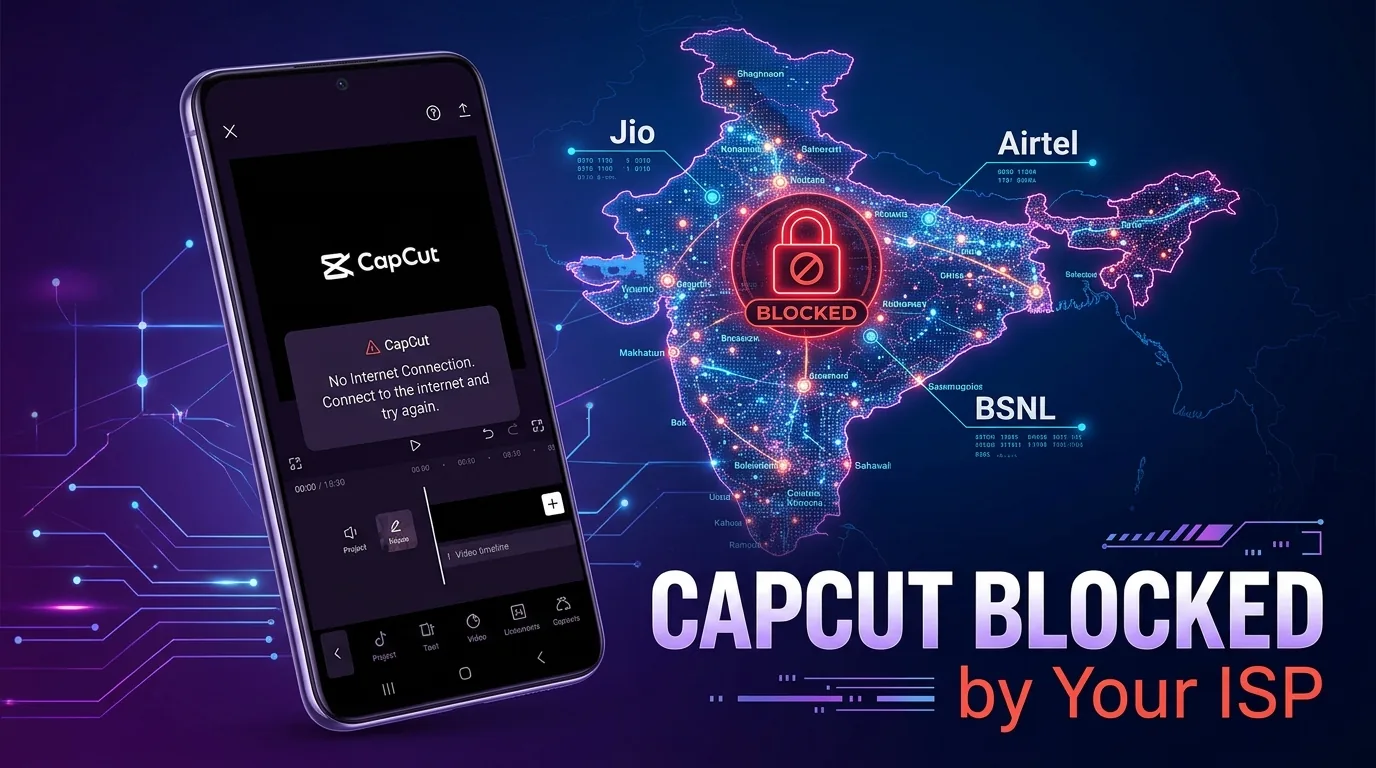
You open CapCut, start editing, and then — No Internet Connection. Your Wi-Fi is working fine. YouTube plays. Instagram loads. But CapCut refuses to connect.
This is not your internet connection. This is CapCut getting blocked by your ISP, and it happens to thousands of users in India every day.
Why CapCut Shows No Internet Connection in India
CapCut is owned by ByteDance — the same Chinese company that owns TikTok. Some Indian ISPs (and corporate/college networks) block ByteDance servers as a precaution, or throttle them so heavily that CapCut cannot load its AI features and templates.
When CapCut cannot reach its servers, it shows the generic No Internet Connection error — even though your internet is working perfectly.
This is especially common on:
- College and university Wi-Fi networks
- Office networks with content filtering
- BSNL broadband connections
- Some Airtel/Jio connections in specific regions
The Fix: Connect Cap VPN First Then Open CapCut
This fixes the issue in under 1 minute:
- Close CapCut completely (swipe it out of recent apps)
- Open Cap VPN
- Connect to Singapore server (fastest for CapCut servers from India)
- Now open CapCut
- Done — it should load instantly
The VPN routes your CapCut traffic through Singapore, bypassing your ISP block. ByteDance servers are reachable from Singapore without restrictions.
Best Servers for CapCut in India
- Singapore — #1 choice, lowest ping for CapCut servers
- Japan — good fallback option
- India (Mumbai) — works for unblocking but sometimes slower for ByteDance servers
Does This Affect CapCut Editing Quality?
Not at all. VPN only affects how CapCut connects to its servers for templates, AI filters, music, and cloud features. Your actual video files stay on your phone. Editing speed is not affected.
Other CapCut Errors VPN Fixes
- Failed to load template — same fix, connect Cap VPN first
- Music unavailable in your region — connect to US or UK server
- AI features not available — connect to Singapore server
- CapCut crashing on startup — usually a server connection issue, VPN fixes it
Cap VPN Is Free — No Account Needed
Cap VPN is completely free for Indian users. No registration, no payment. Just download and connect. 10 million+ users across India use it daily.
Editorial Transparency: This article was written with AI assistance and thoroughly fact-checked by the CapVPN editorial team. Read our correction policy.
Frequently Asked Questions
Why CapCut Shows No Internet Connection in India
CapCut is owned by ByteDance — the same Chinese company that owns TikTok. Some Indian ISPs (and corporate/college networks) block ByteDance servers as a precaution, or throttle them so heavily that CapCut cannot load its AI features and templates.
The Fix: Connect Cap VPN First Then Open CapCut
This fixes the issue in under 1 minute:
Best Servers for CapCut in India
Singapore — #1 choice, lowest ping for CapCut serversJapan — good fallback optionIndia (Mumbai) — works for unblocking but sometimes slower for ByteDance servers
Does This Affect CapCut Editing Quality?
Not at all. VPN only affects how CapCut connects to its servers for templates, AI filters, music, and cloud features. Your actual video files stay on your phone. Editing speed is not affected.
Other CapCut Errors VPN Fixes
Failed to load template — same fix, connect Cap VPN firstMusic unavailable in your region — connect to US or UK serverAI features not available — connect to Singapore serverCapCut crashing on startup — usually a server connection issue, VPN fixes it
Cap VPN Is Free — No Account Needed
Cap VPN is completely free for Indian users. No registration, no payment. Just download and connect. 10 million+ users across India use it daily.
Stay Private Online
CapVPN encrypts your connection, hides your IP, and keeps your browsing history private. Try it free with unlimited access.
Get CapVPN Free